
System status and logs
Two pages under Settings show how the installation is doing. Both need the permission to watch the server log.
System status
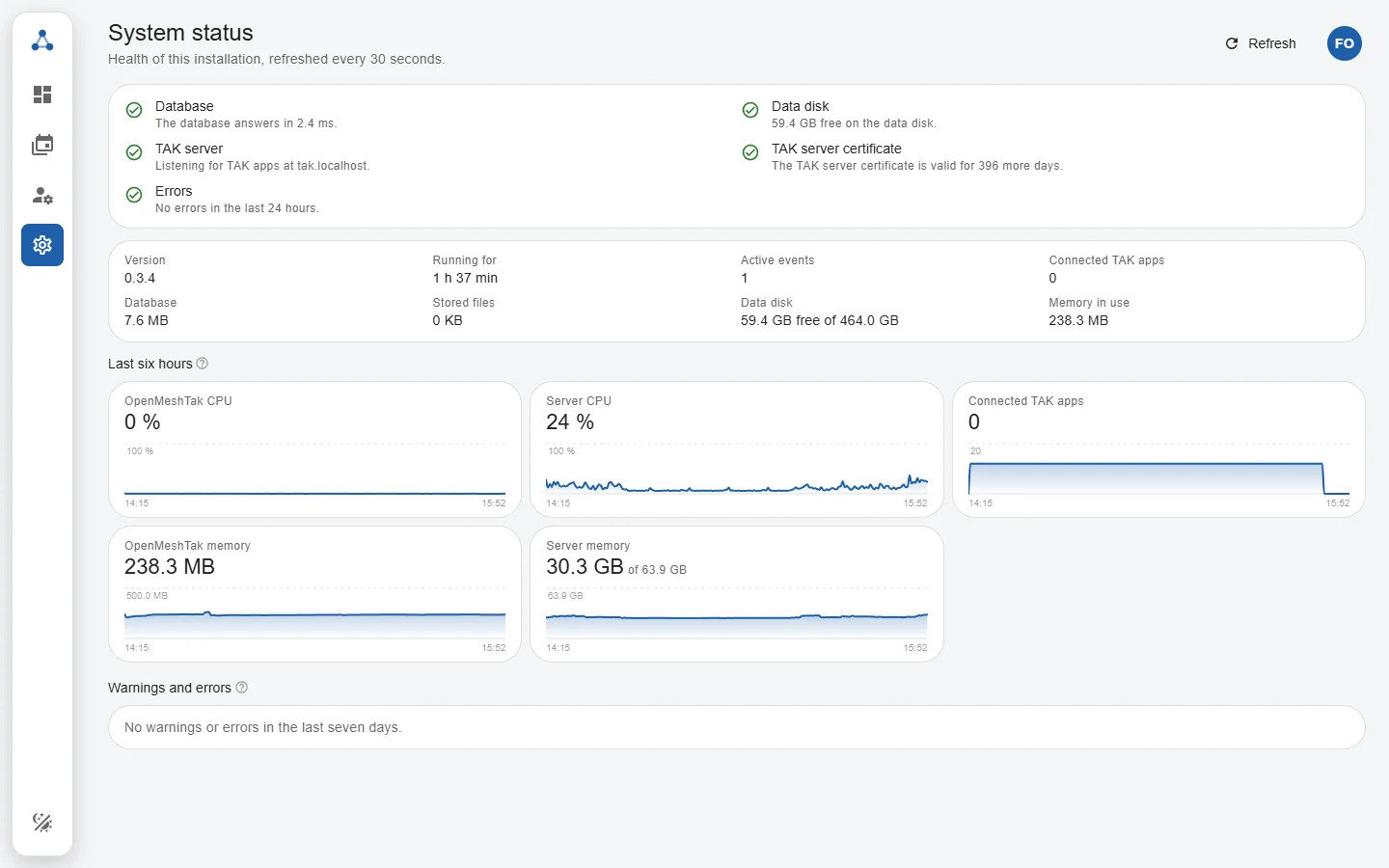
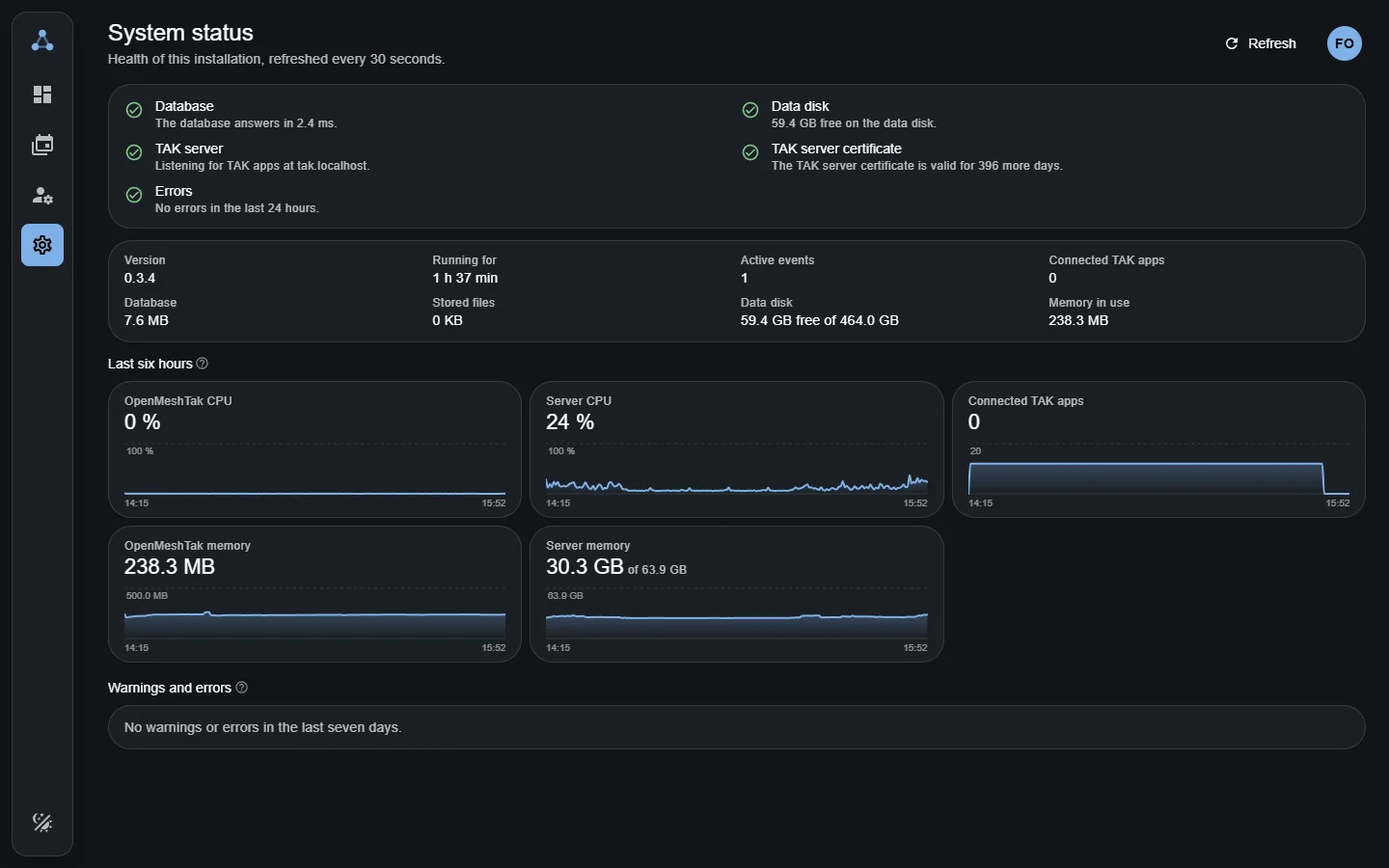
Settings → System status refreshes every 30 seconds and shows:
- Checks: database, free disk space, TAK server, its certificate and errors in the last 24 hours, each with a green, orange or red mark;
- Key numbers: version, uptime, active events, connected TAK apps, database and file size, memory;
- The last six hours as small graphs: CPU and memory of OpenMeshTak and of the container or server, and connected TAK apps; and
- Warnings and errors of the last seven days, newest first. Select one for its details.
Look here first when participants report problems, and keep it open during an event.
Server log
Settings → Server log is the live output of OpenMeshTak, the same as docker compose logs, with passwords, keys and tokens removed. Filter by level, search, pause, copy or download it, for example to attach it to a bug report.
Warnings
| Message | What it means | What to do |
|---|---|---|
| TAK client too slow; disconnecting | An app could not read its data fast enough and was disconnected; it reconnects by itself. | Single ones: a weak phone connection. Many at once: the server's upload is too small; see Server size and bandwidth. |
| TAK enrollment rejected | A TAK app tried to enroll with a wrong username, password or QR code, or a malformed request. | Usually a typo on the device. Many in a row from one place can be someone guessing passwords. |
| TAK client sent an invalid or oversized event | An app sent something that is not valid CoT; it was dropped. | Nothing, unless it repeats for one app; then update that app. |
| Unknown TAK enrollment path | A TAK app asked for a function OpenMeshTak does not offer. | Note the app and version when reporting it. |
| Email delivery failed | The SMTP server refused or was unreachable. | Check the email settings and send a test email; see Configure the installation. |
| TAK certificate files could not be reloaded | The certificate files of the reverse proxy are missing or unreadable. | Check the mounted directory and file names; see Reverse proxy files. |
| Unknown API key presented | A program used a revoked or mistyped API key. | Check the integration's key under Settings → API access. |